Choosing the Right Resume Template for Your Career
Selecting the right resume template is crucial for making a strong first impression. In this guide, we explore the best practices for resume design, formatting tips, and ATS compatibility to help you stand out.
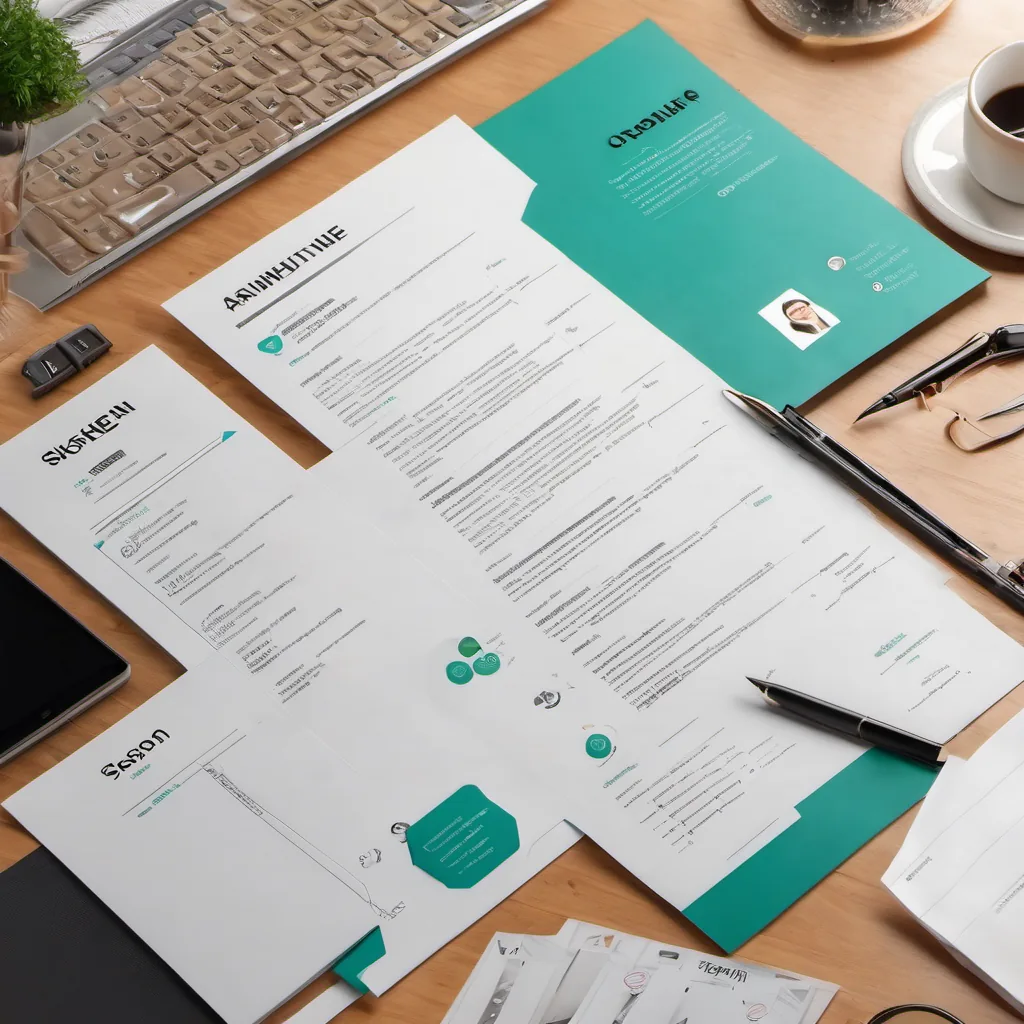
Choosing the Right Resume Template for Your Career
In today’s competitive job market, your resume is often your first opportunity to make an impression on potential employers. The right resume template can highlight your skills and experience effectively, while the wrong one can make you blend into the background. This comprehensive guide will help you navigate the world of resume templates, emphasizing the importance of professional formatting, ATS compatibility, and visual design.
Why the Right Resume Template Matters
The choice of a resume template is more than just a design decision; it’s a strategic choice that can influence your job search success. Here’s why:
Key Features of Effective Resume Templates
When selecting a resume template, consider the following key features:
1. Professional Appearance
- Opt for clean, organized layouts that enhance readability.
- Avoid overly decorative fonts and graphics that can distract from the content.
2. ATS Compatibility
- Look for templates that use standard fonts (e.g., Arial, Times New Roman) and avoid images or unusual formatting that ATS may struggle to read.
- Ensure that your sections are clearly labeled (e.g., “Work Experience,” “Education”) so that ATS can easily identify them.
3. Visual Design
- Use subtle color accents to make your resume visually appealing without overwhelming the content.
- Incorporate bullet points and white space to break up text and guide the reader’s eye.
4. Customization Options
- Choose a template that allows you to easily customize sections to reflect your unique skills and experiences.
- Consider templates that offer flexibility in layout, allowing you to adjust based on your career level or industry.
Types of Resume Templates
Now that you understand what to look for in a template, let’s explore the different types available:
1. Chronological Resume Templates
- Best For: Job seekers with a solid work history.
- Format: Lists work experience in reverse chronological order.
- Pros: Clearly highlights career progression and experience.
- Cons: May not be ideal for those with gaps in employment or changing careers.
2. Functional Resume Templates
- Best For: Career changers or those with gaps in employment.
- Format: Focuses on skills and experiences rather than work history.
- Pros: Emphasizes transferable skills.
- Cons: Can raise questions about employment history for some recruiters.
3. Combination Resume Templates
- Best For: Candidates wanting to showcase skills and detailed work history.
- Format: Blends chronological and functional formats.
- Pros: Provides a comprehensive view of qualifications.
- Cons: Can be longer and may overwhelm some recruiters if not formatted well.
4. Creative Resume Templates
- Best For: Applicants in creative fields (e.g., design, marketing).
- Format: Incorporates visuals, unique layouts, and colors.
- Pros: Stands out visually, showcasing creativity.
- Cons: May not be ATS-friendly or suitable for conservative industries.
Formatting Tips for Your Resume
Regardless of the template you choose, effective formatting is essential. Here are some tips:
Adhering to Industry Standards
Different industries have varying expectations when it comes to resume design. Here’s a quick rundown of what’s typically acceptable in various fields:
Tools and Resources for Finding the Right Template
Several platforms offer a variety of resume templates tailored for different industries. Here are a few to consider:
Conclusion
Choosing the right resume template is more than just a design choice; it’s a strategic decision that can impact your job search success. By understanding the different types of templates available and focusing on professional formatting, ATS compatibility, and visual design, you can create a resume that stands out in the best way possible.
Remember, your resume is often the first impression you give to potential employers—make it count! So take the time to choose a template that aligns with your industry standards and personal style.
Choose the Perfect Resume Template for Your Industry
Start your journey towards crafting a compelling resume today by selecting the template that best represents your professional self!
Ready to Optimize Your Job Applications?
Put these insights into action with our AI-powered resume and cover letter generator. Create professional documents that get you noticed by employers.
No credit card required • Start in minutes
Share this article
Related Articles
More articles coming soon...